DIMA
Autonomous Engineering Supervisor
October, 2026
2026
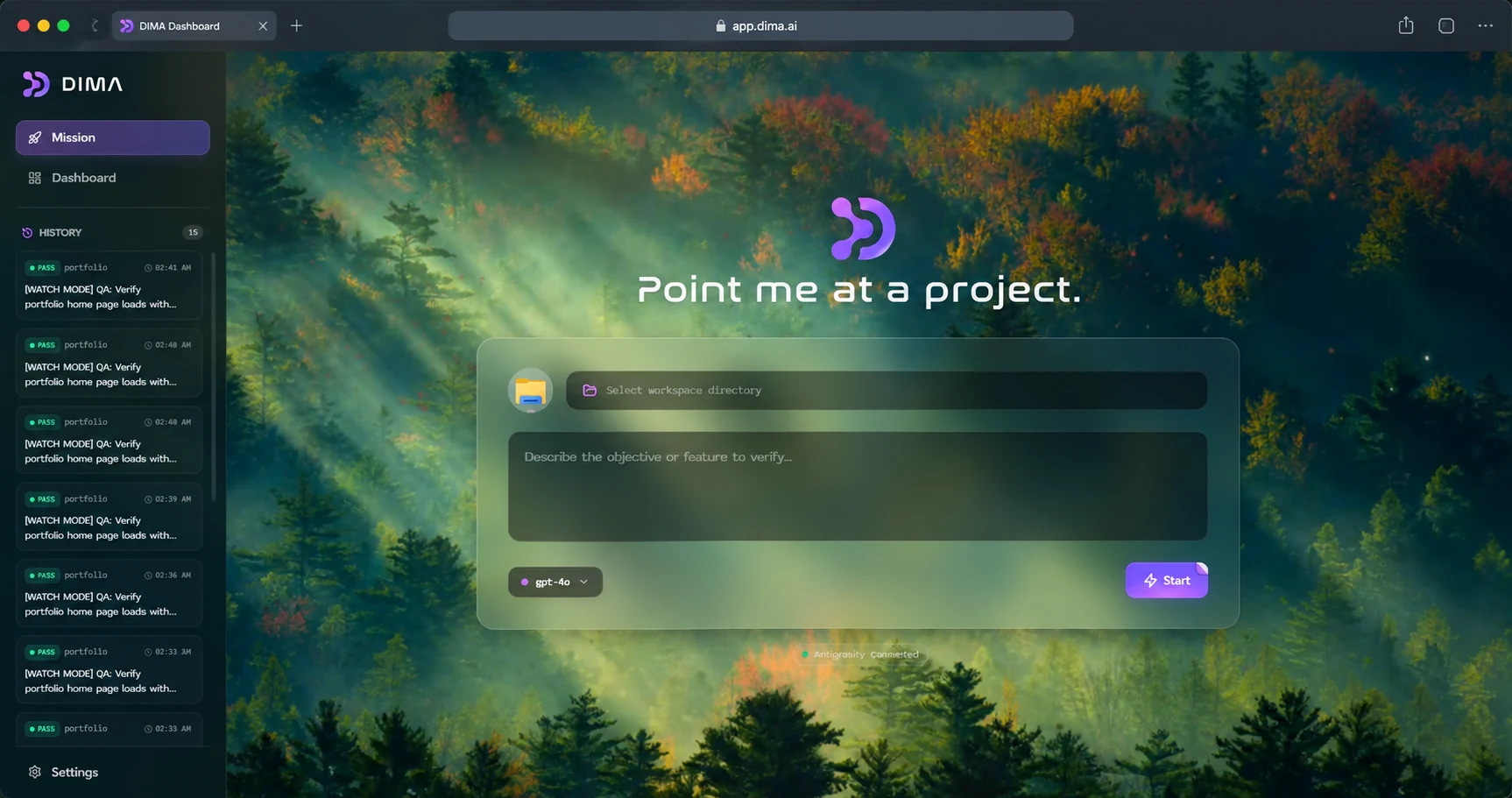
DIMA is an autonomous engineering supervisor I built to make AI-assisted development more reliable. Instead of letting an AI write code and simply hoping it works, DIMA gives it the ability to build, test, inspect, verify, and repair software.
The idea came from seeing how much of modern development is shifting toward AI agents, while verification is still largely left to the developer. DIMA sits above that workflow and acts as the layer responsible for checking whether the work actually meets the requirements.
A user gives DIMA a project and an objective. It creates acceptance criteria, works through the project, runs commands, interacts with files, launches browser tests through Playwright, checks the result, and attempts repairs when something fails.
DIMA can also connect directly to AI coding tools through MCP. Agents like Antigravity, Claude Code, and Cursor can use DIMA's QA, security, and verification tools while they work. DIMA can also connect to external MCP servers and bring their tools into its own agent loop.
I built the system as a desktop application with an Electron interface, OpenAI-powered agent loop, MCP infrastructure, local mission history, browser automation, screenshots, logs, and verification evidence.
How to use DIMA
DIMA is designed to work in three different ways.
1. Run DIMA as a standalone engineering agent
Install the project dependencies:
npm installStart the desktop application:
npm run devOpen Settings and add your OpenAI API key.
Then:
- Select the project/workspace you want DIMA to work on.
- Describe the objective you want completed.
- DIMA creates the mission and acceptance criteria.
- The agent reads the project and begins working.
- DIMA executes the required commands and tools.
- Playwright can verify the application in the browser.
- DIMA checks the result against the acceptance criteria.
- If something fails, it can attempt a bounded repair.
- Verification runs again.
- The mission finishes as successful, blocked, or errored.
2. Use DIMA with an external coding agent through MCP
DIMA can expose its engineering and verification tools to MCP-compatible agents.
Once dima-mcp is published, add DIMA to the agent's MCP configuration:
{
  "mcpServers": {
    "dima": {
      "command": "npx",
      "args": [
        "-y",
        "dima-mcp"
      ]
    }
  }
}
This allows agents such as Antigravity, Claude Code, Cursor, and other MCP-compatible tools to call DIMA directly.
For a local development checkout, use:
{
  "mcpServers": {
    "dima": {
      "command": "node",
      "args": [
        "/absolute/path/to/out/main/dima-mcp.js"
      ]
    }
  }
}
Replace:
/absolute/path/to/out/main/dima-mcp.jswith the actual path to your local DIMA build.